
Setting your charging preferences
A Second Vehicle is not charging when using OVO Charge Anytime
Deleting/Unlinking a charger in OVO app
Onboarding
Before you start you MUST have an Indra App account that is linked to your charger
Step 1: Open the OVO Charge Anytime App📲
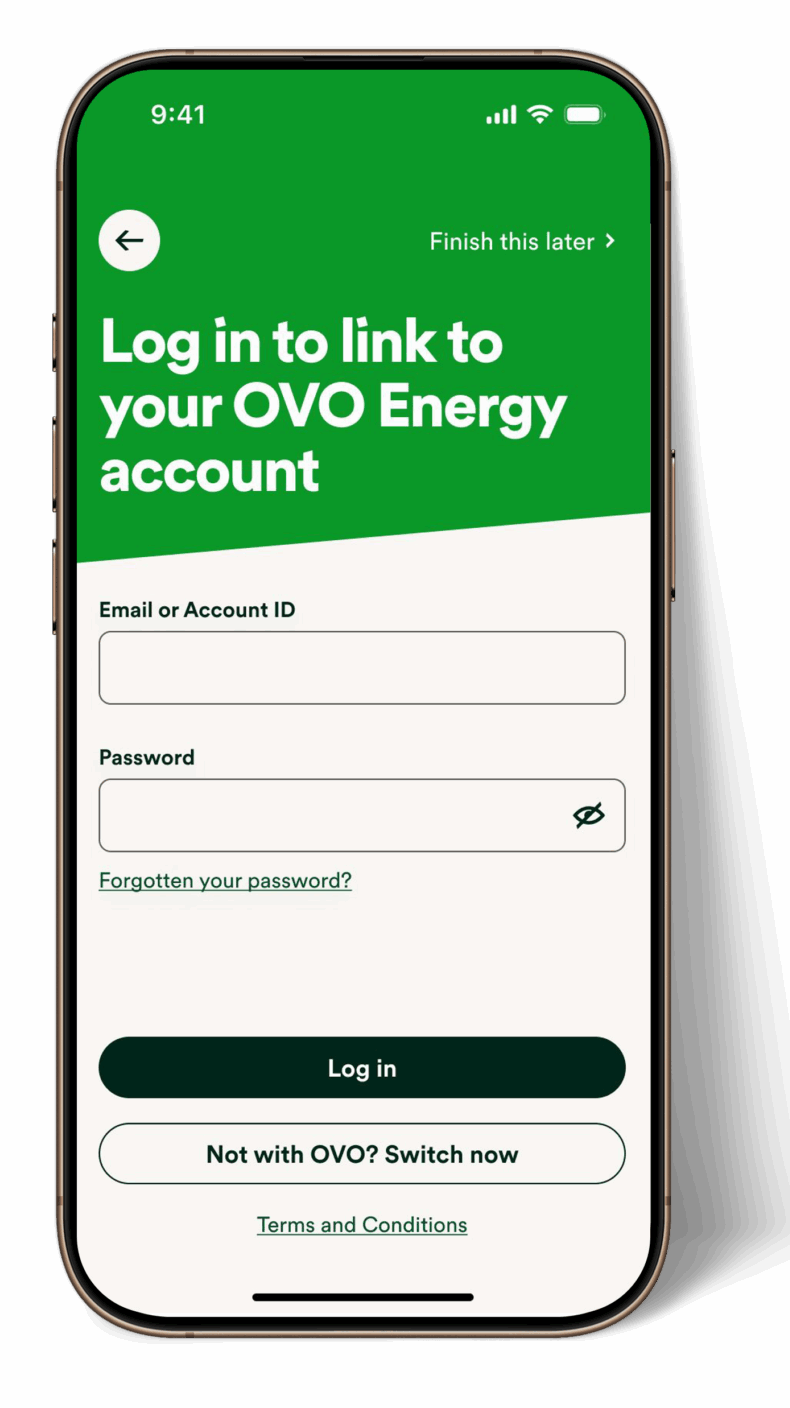
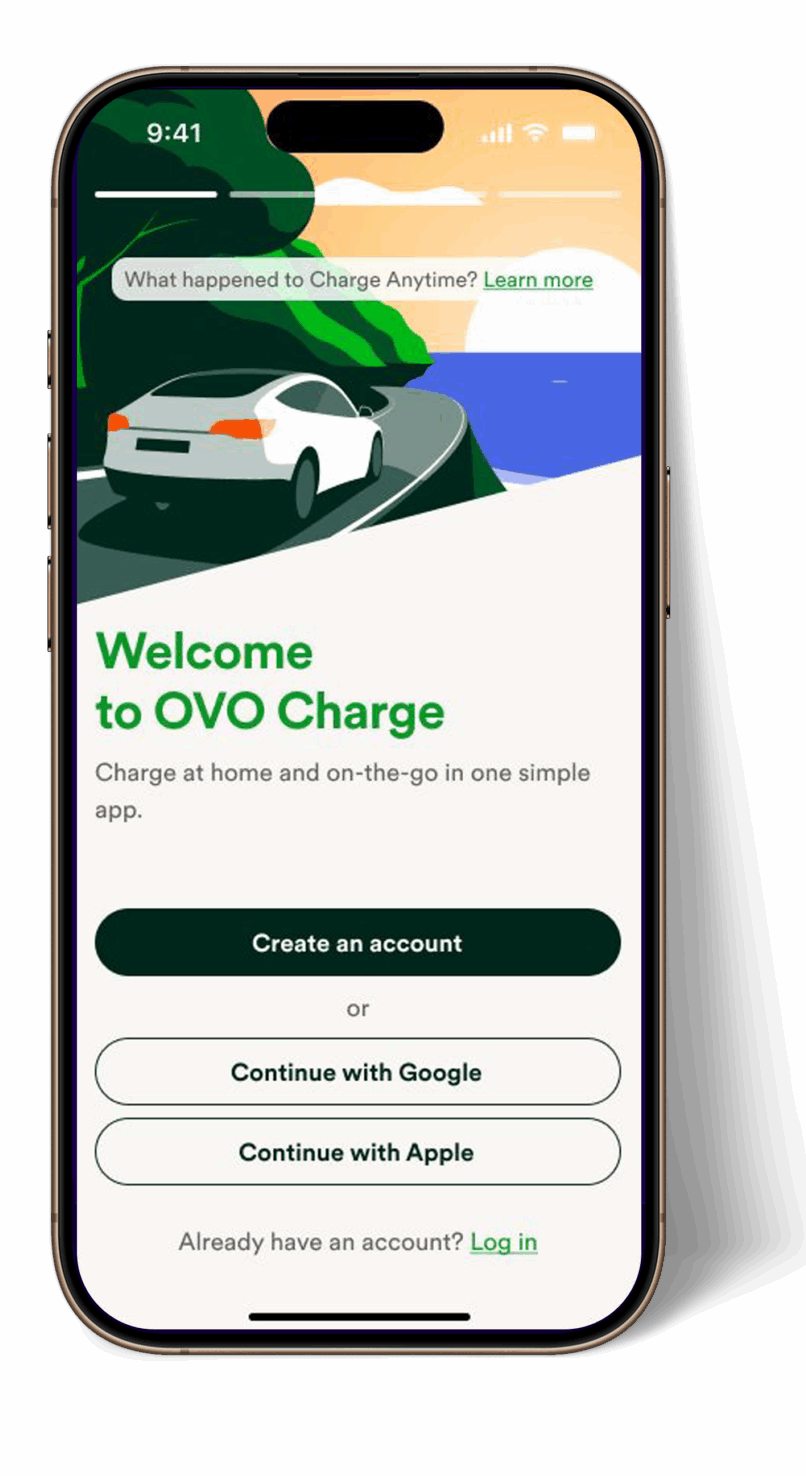
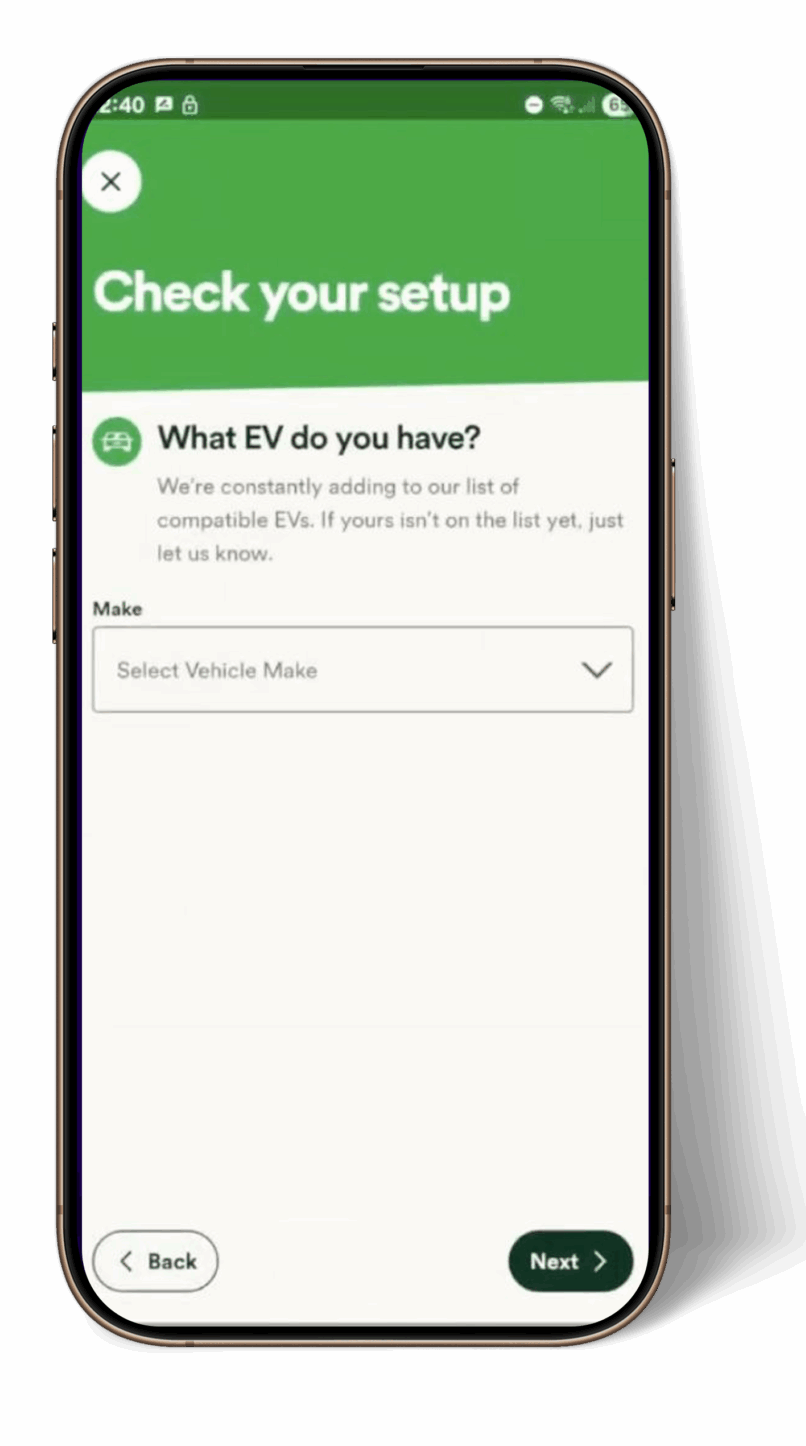
Step 2: Select your Indra charger and vehicle battery capacity🚗
- Choose your Indra charger model.
- Enter your vehicle’s usable battery capacity.
(If you have multiple vehicles, pick the one you use most often.)
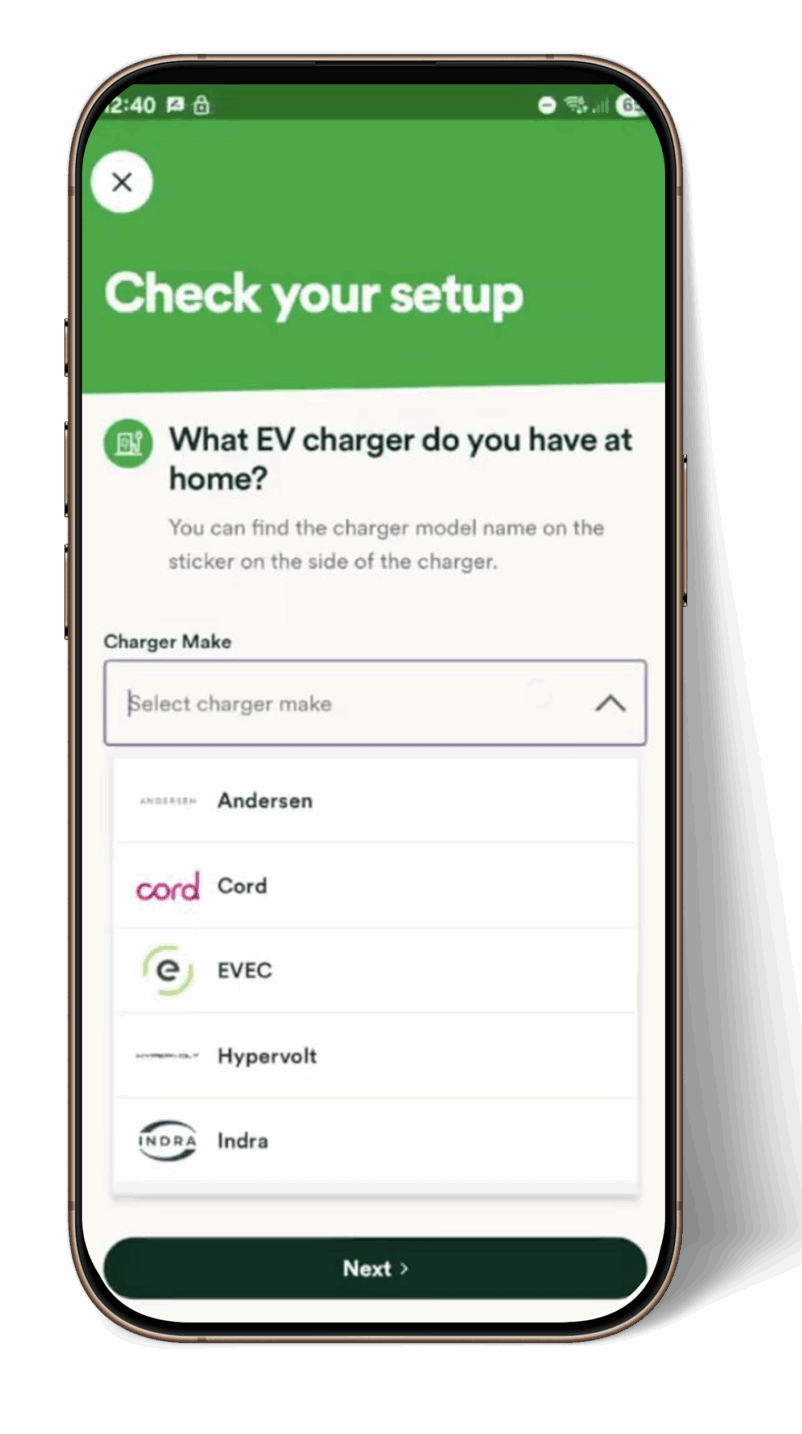
Step 3: Connect your charger🔗
At this point a connection will be made between OVO and Indra’s systems.
- When prompted, please enter the e-mail address associated with your Indra account (even if this is different from your OVO one).
- Verify your identity with the 6-digit code sent to your email.
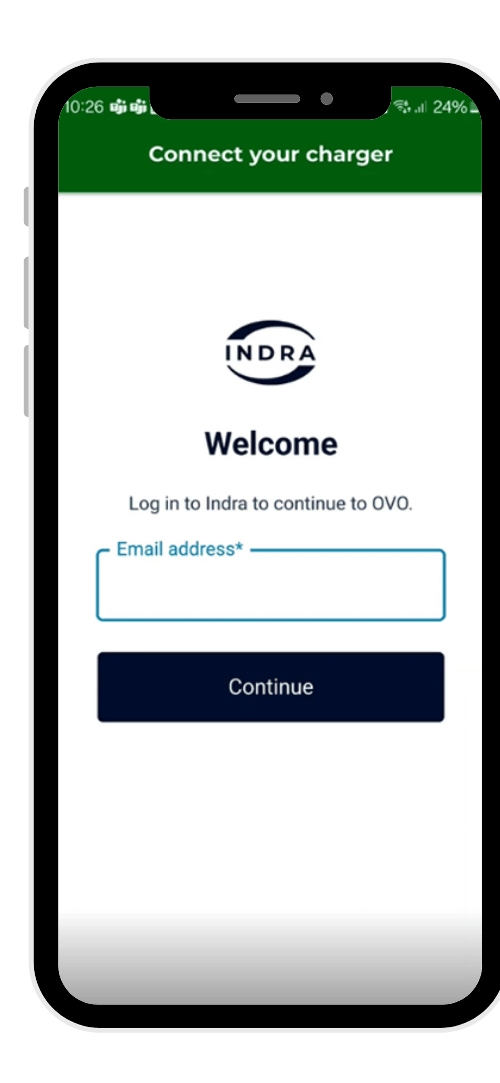
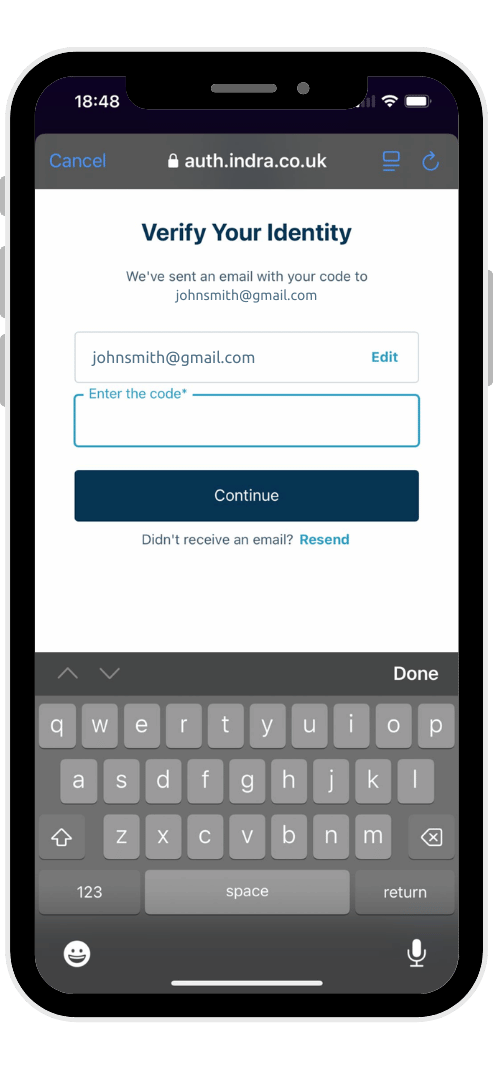
You will then be asked for your permission to share specific data and control with OVO to enable you to access their services.
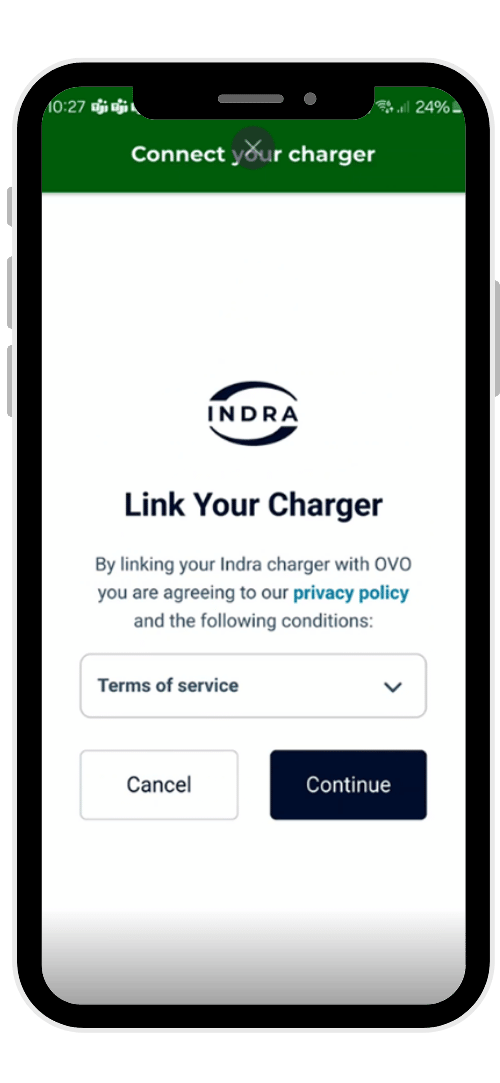
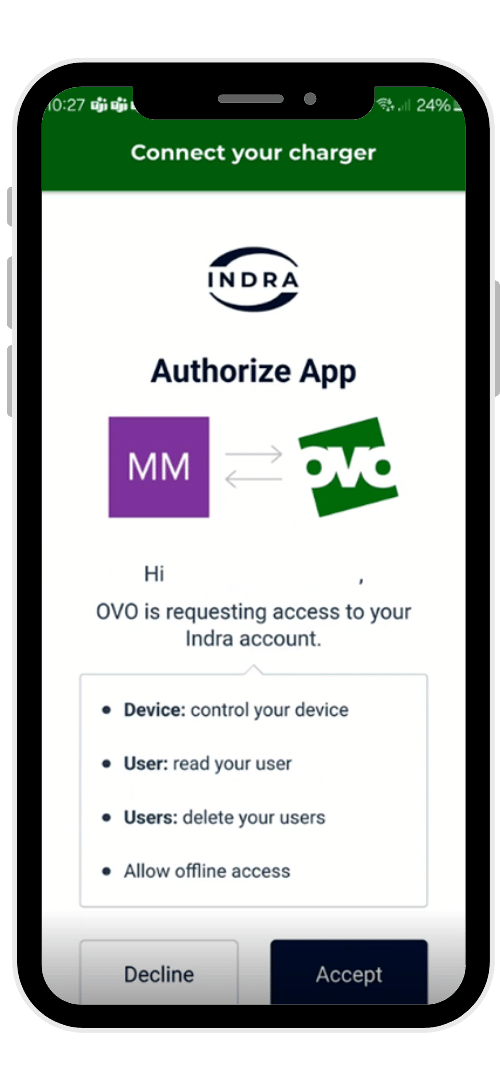
Step 4: Add your address to OVO Charge Anytime🏠
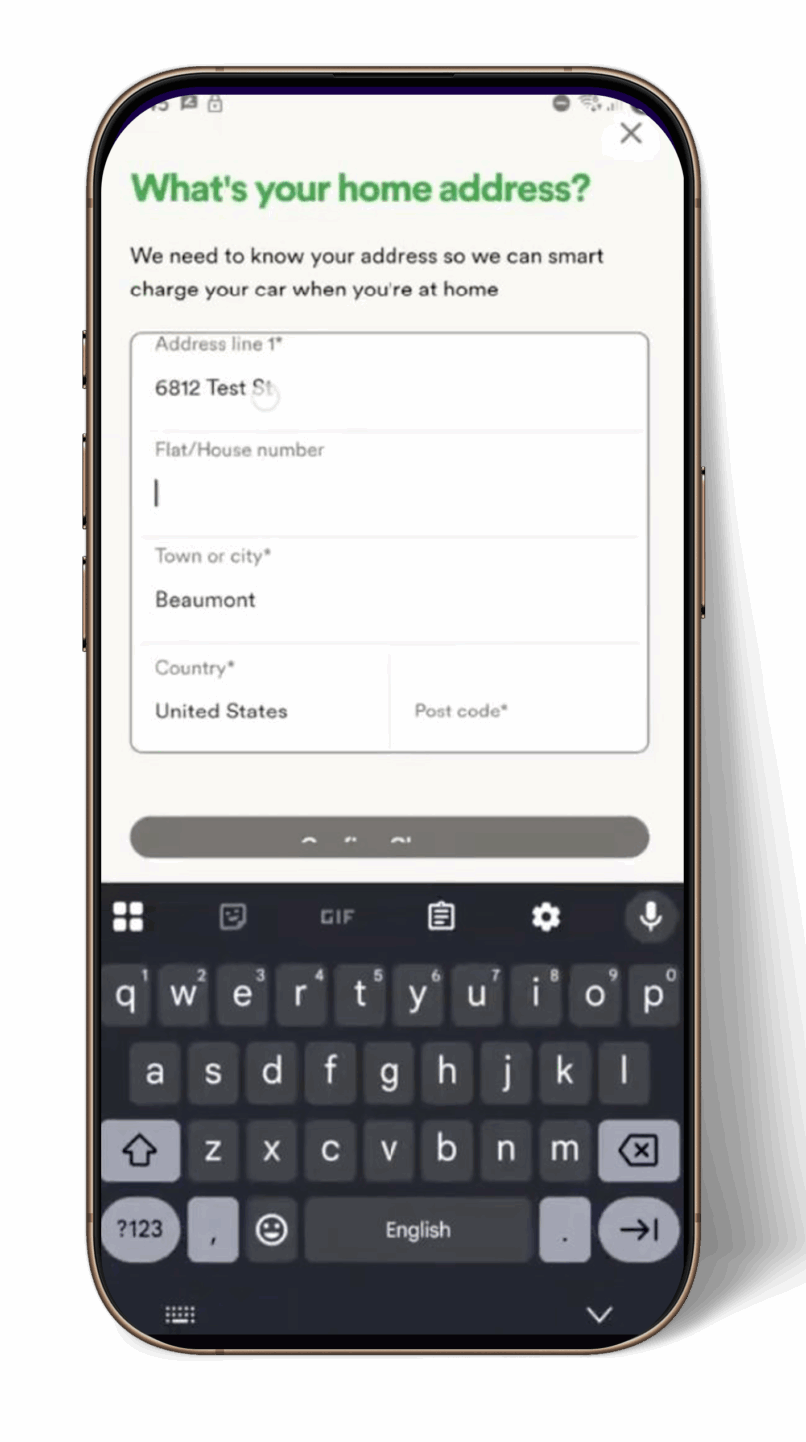
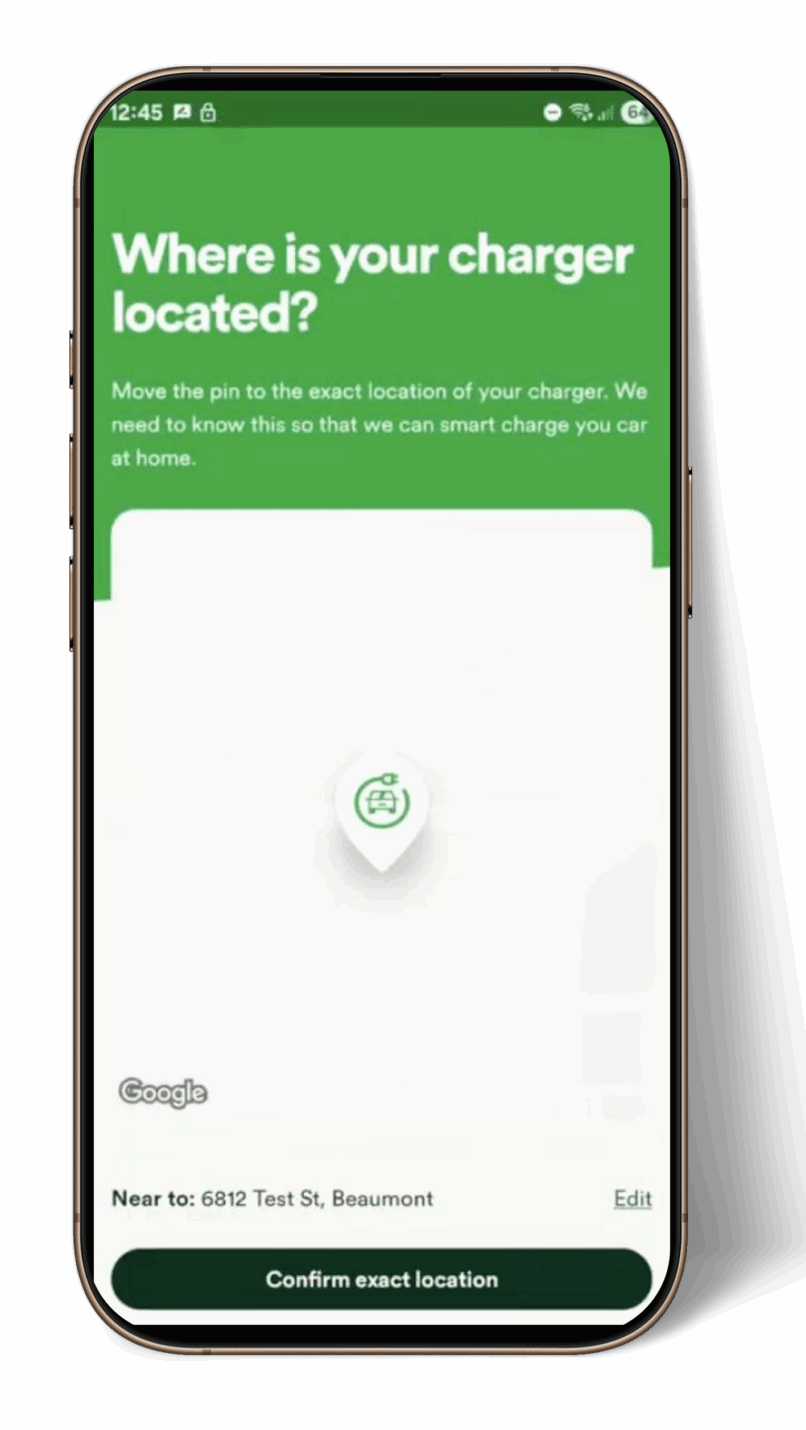
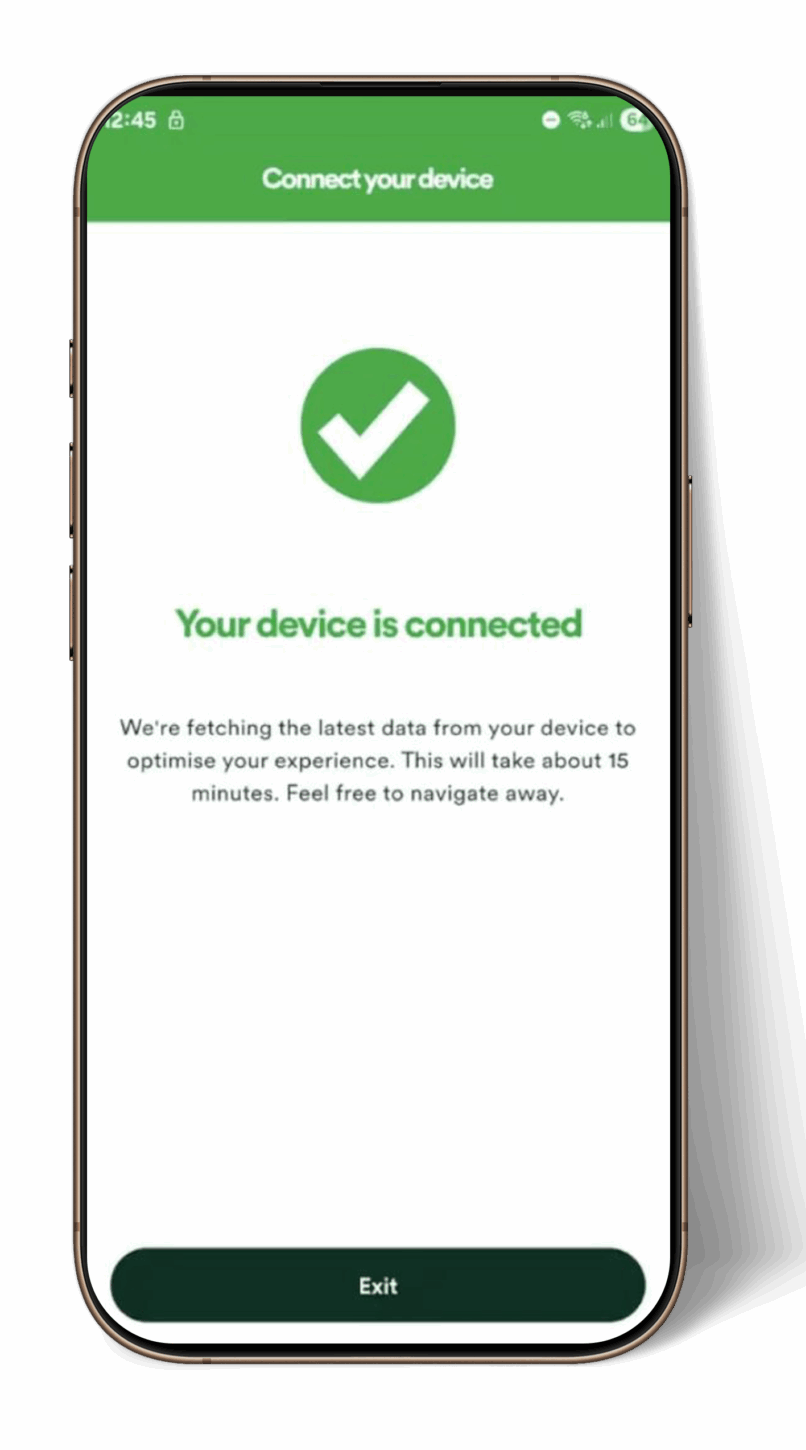
Step 5: Complete
You can set charging preferences in the OVO Charge Anytime app, and OVO will charge your car at the cheapest times.
Setting schedules
OVO will automatically plan your charging to:
- Meet your charging needs
- Charge at the cheapest times
All your charging preferences are managed in the OVO Charge Anytime app, so you can relax and let smart charging do the work!
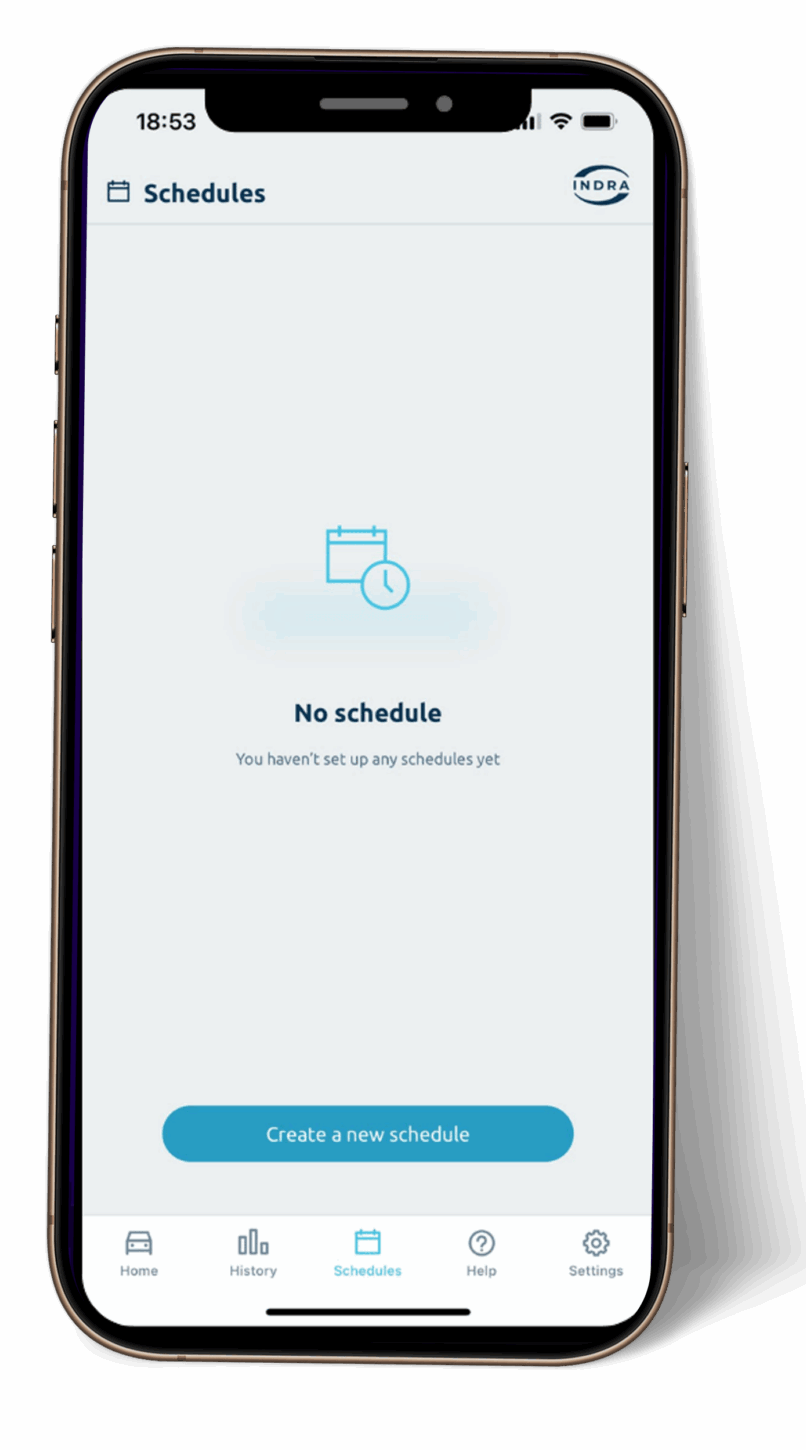
Setting your charging preferences
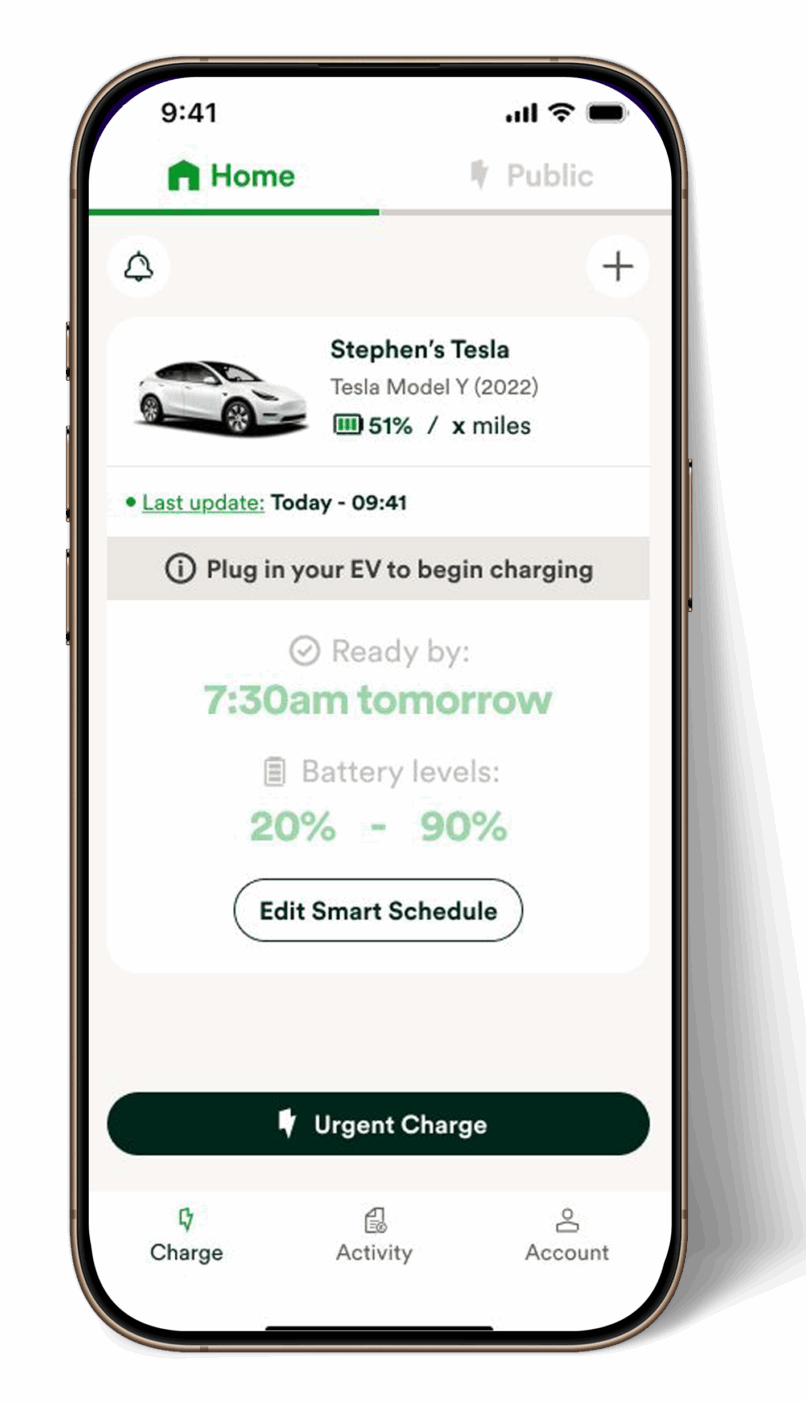
You can easily set your charging preferences in the OVO app.
Simply set your 'ready by' time (the time you want your vehicle charged by) and the battery level.
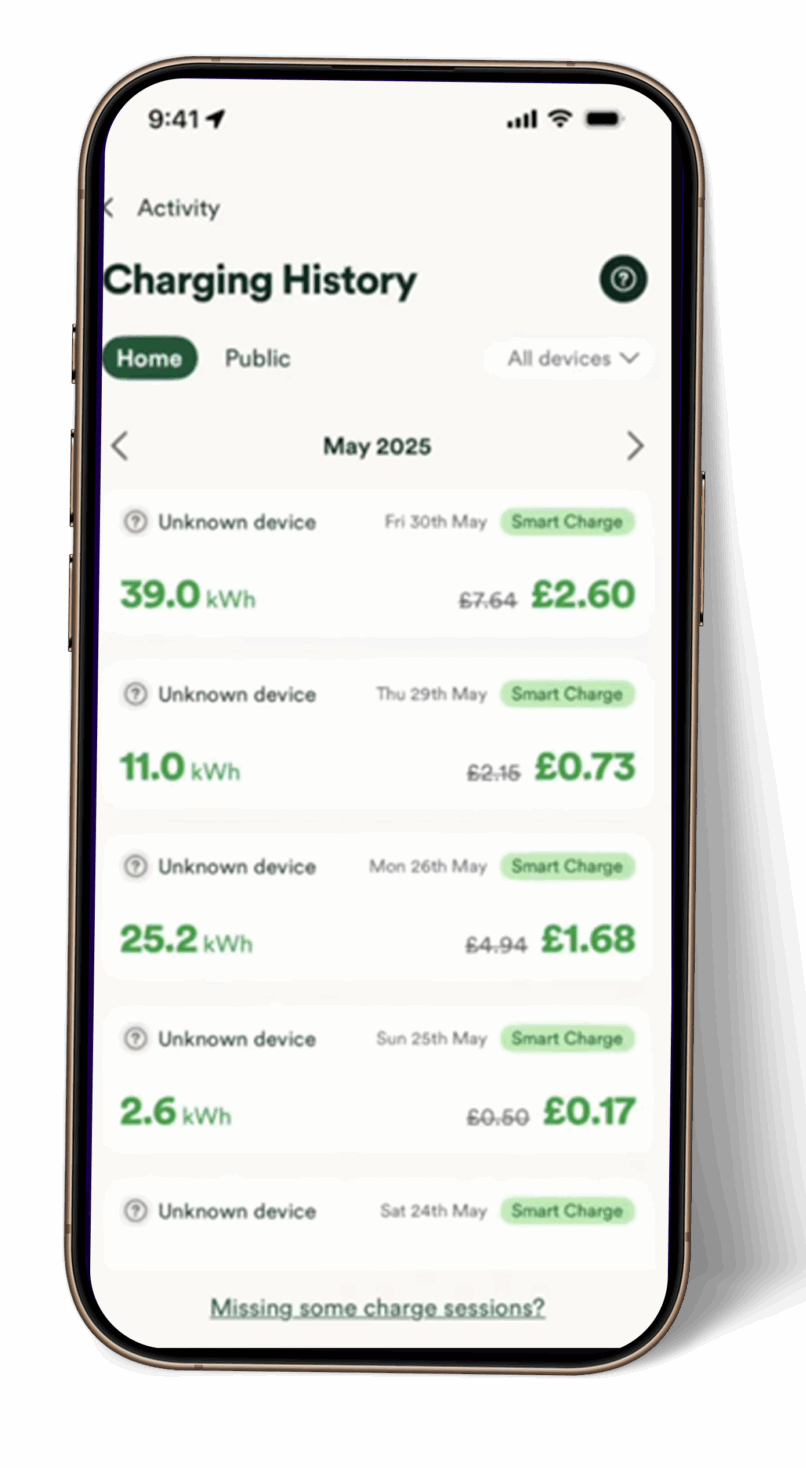
Cost reporting
Your charging costs and savings will appear in the OVO Charge Anytime app
The Indra app will still provide:
- Energy used ⚡
- Miles added 🚗
- Solar breakdown ☀️
So, you’ll still have full visibility of your charging performance in the Indra App, just not the cost details.
Using Solar with OVO Charge Anytime ☀️⚡
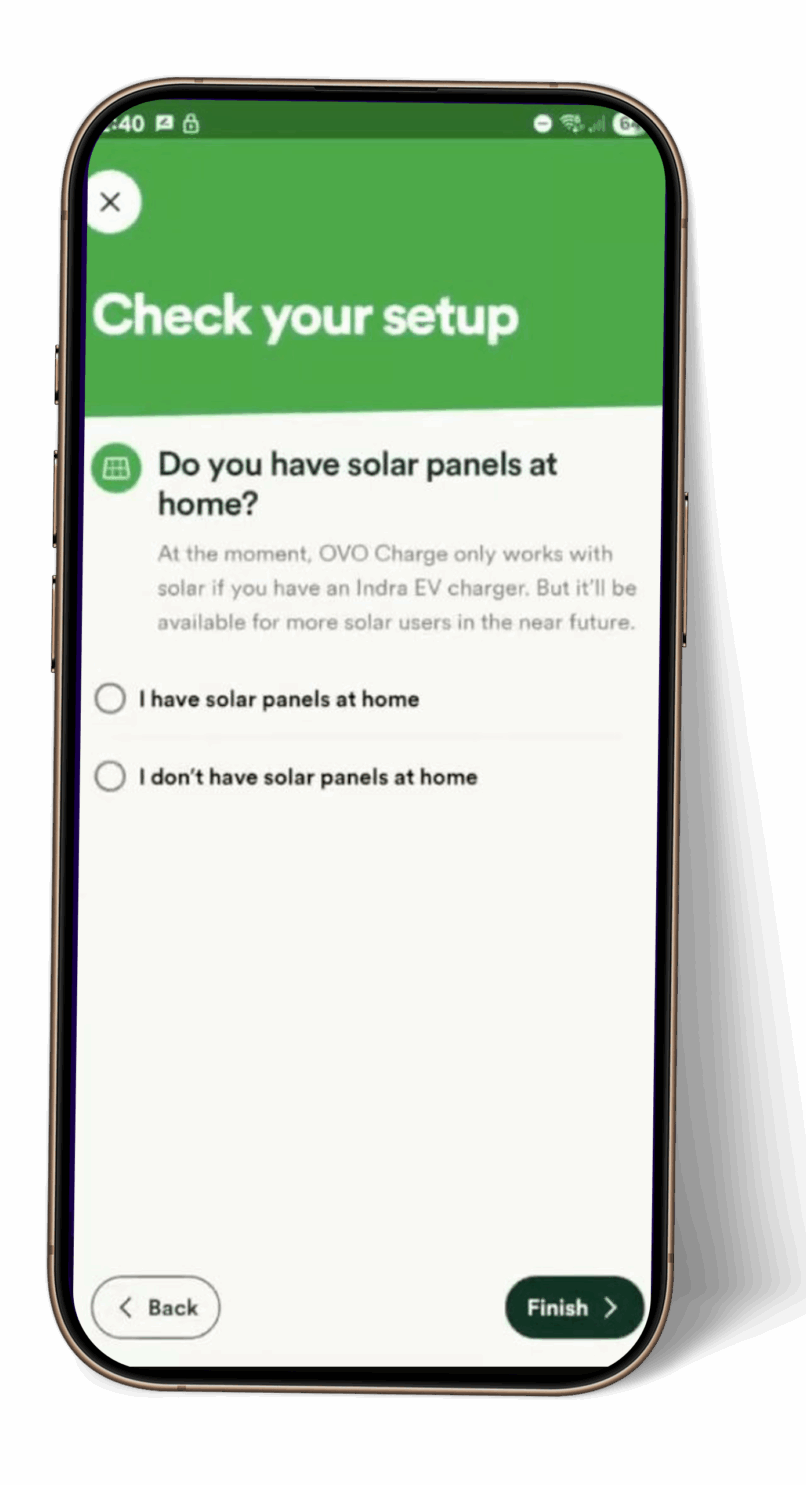
If you have solar panels, you can still use them alongside your OVO Charge Anytime smart charging.
This is controlled in the Indra app via the ‘Use Solar’ function.
If OVO Charge Anytime sends a charging command while you’re producing solar:
- The charger will charge at full rate (e.g., 7kW).
- It will use all available solar plus top up from the grid.
Example:
☀ Solar producing 2kW
⚡ Charger charging at 7kW
➡ 5kW will come from the grid, 2kW from solar.
Locking your charger🔒
You can continue to lock your charger from use via the Indra App, when linked to OVO Charge Anytime.
Note: Whilst locked, no new charging sessions will start until you unlock the charger.
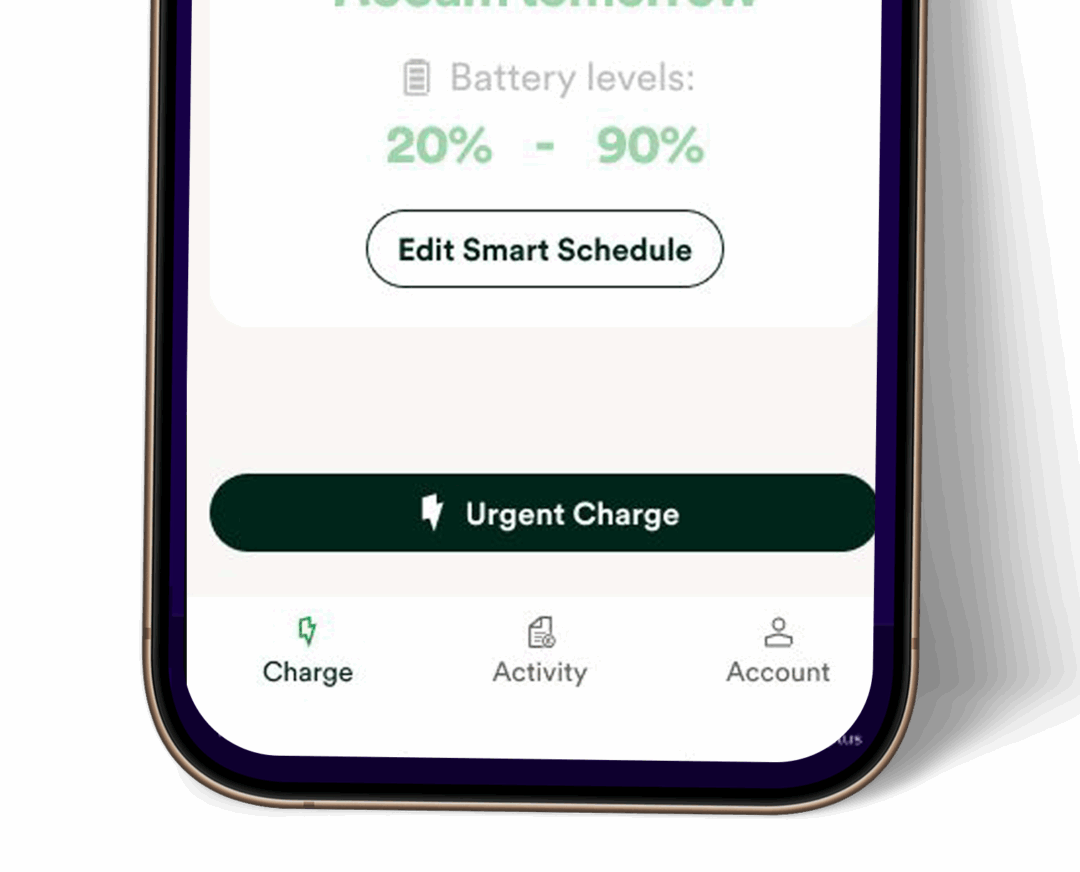
Boost /Urgent Charge⚡
- The front panel of your charger
- The Indra App
- The Urgent Charge option in the OVO Charge Anytime App
Your charging will be at your standard tariff rate. 💰
Troubleshooting/FAQs
A Second Vehicle is not charging when using OVO Charge Anytime🚗🚙
If your second car isn’t charging and the charger shows Idle, here’s why:
OVO’s scheduling optimiser needs time to reset between vehicle charges.
This usually takes 30–60 minutes, depending on the car’s battery size:
- Large batteries → about 1 hour
- Smaller batteries → about 30 minutes
What to do:
- Unplug the first vehicle
- Leave the charger idle for at least 60 minutes
- Then plug in the second vehicle
This allows the optimiser to reset and schedule the next charge.
Deleting/Unlinking your charger
- Open the OVO app
- Tap the Account icon in the bottom-right corner of the screen.
- Find the charger listed under your account and tap on it.
Select 'Delete this charger from my account'
- Follow the on-screen instructions to delete or unlink your charger from the app.
Connecting via the Vehicle
If you’re connecting your charger through your vehicle, you’ll need to set a schedule in the Indra App:
- When to charge: ✅ Anytime
- Charge type: ✅ As full as possible
Random Delay ⏳
What is Random Delay?
Random Delay is a feature that staggers charging start times to avoid grid overload.
Does it apply to OVO Charge Anytime or other flex integrations?
No. Random Delay does not legally apply for flex integrations like OVO Charge Anytime.
These services need to react quickly to grid signals, so Random Delay can interfere with their operation.
Comments
0 comments
Please sign in to leave a comment.